
AI Image Editor
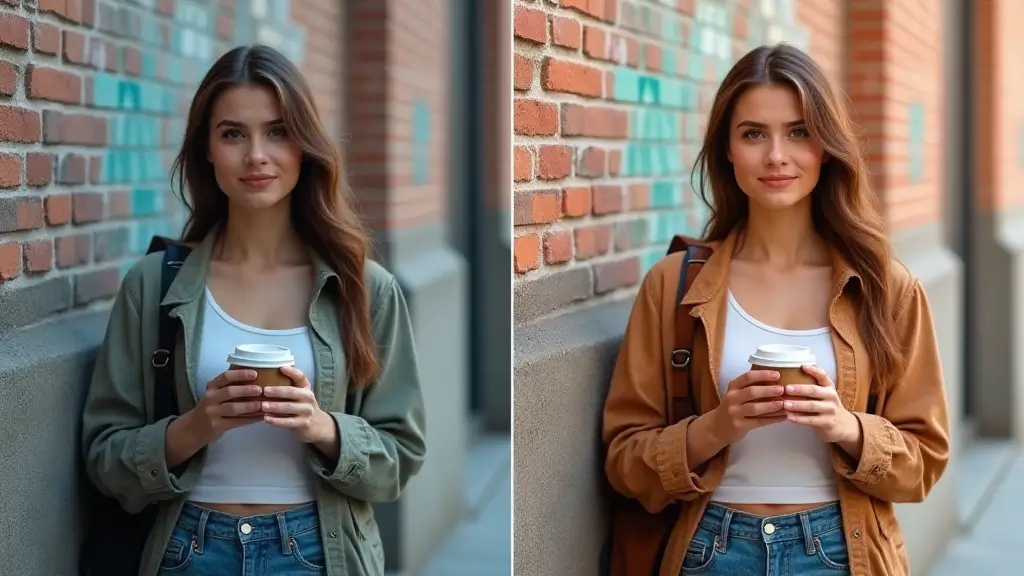
Edit photos with natural language using Banana AI.
Turn a single image into a dynamic video with cinematic motion and style.
JPG, PNG, or WebP up to 24MB
Describe the motion, camera, or style you want.
Fixed at 8 seconds for VEO3.
Set the frame size for your video.
Select output clarity for your export.
Discover complementary AI tools that help you edit faster, experiment with new looks, and polish every asset to perfection.
Edit photos with natural language using Banana AI.
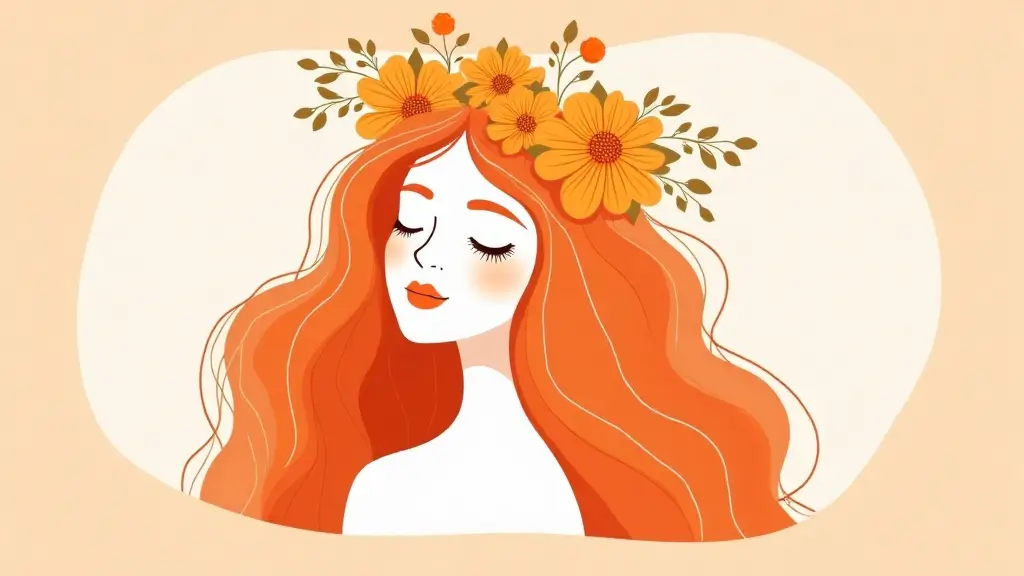
Create stunning images from text with AI. Free trial with watermark.
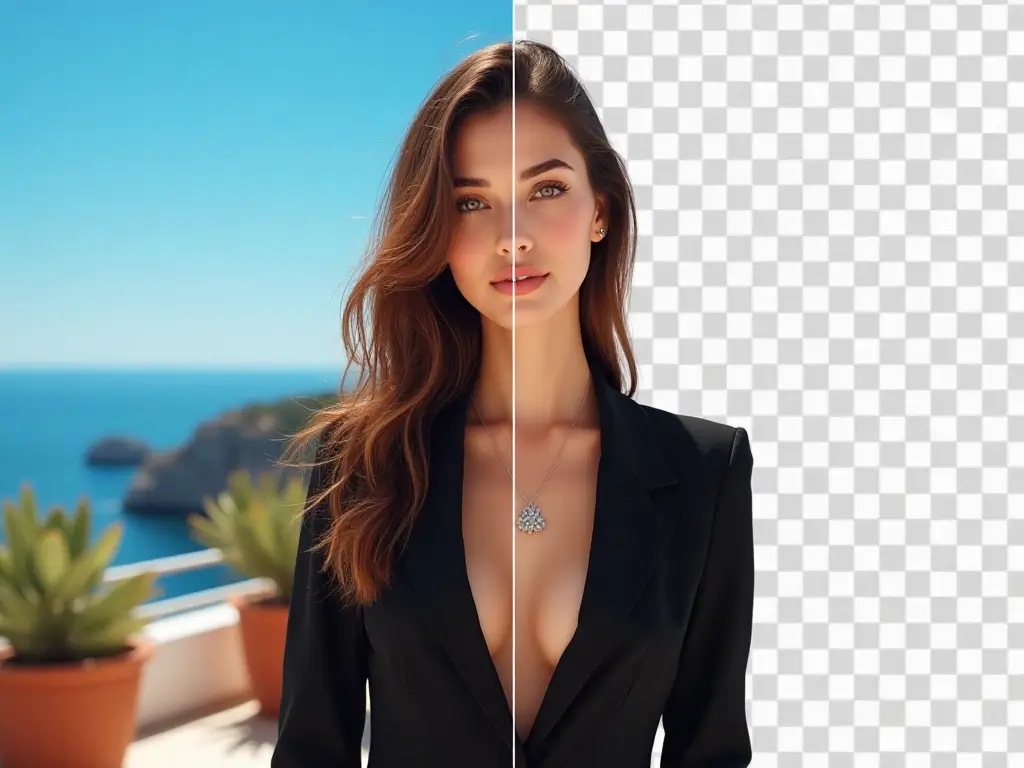
Remove backgrounds instantly for banners or e-commerce listings.

Increase resolution without sacrificing detail or texture.
Use image to video motion to highlight hero features with smooth push-ins, detail reveals, and clean 360-style spins that work across product pages, paid ads, and launch decks.
Build image to video shorts with punchy motion, animated overlays, and kinetic framing tailored for Reels, TikTok, Shorts, and Stories.
Turn stills into image to video memories with gentle motion, layered depth, and cinematic transitions for nostalgic, story-first moments.
Four steps from still image to short Image to Video clip.
Upload a photo, describe the motion, generate an Image to Video clip, and download the result in minutes. Each step is designed to keep the workflow lightweight so teams can iterate quickly and stay aligned on creative direction.
Start with a high-quality JPG, PNG, or WebP.
Describe camera movement, depth, and style.
Veo creates an 8-second Image to Video clip from your image.
Save the MP4 or reuse it across channels.
Built for consistent motion and marketing-ready Image to Video output across web, ads, and social formats.
Add movement while preserving composition.
Create dimensional movement with subtle camera glide.
Direct motion, style, and atmosphere precisely.
Get results in about 2-3 minutes.
Keep textures and shapes stable across frames.
Choose output clarity for every platform.
Your uploads stay private and protected.
Fixed length for reliable story pacing.
Answers about Image to Video generation, output, and usage.
Find quick guidance on formats, motion control, Image to Video output, and delivery. If you are preparing campaign assets, these notes help you plan timing, output settings, and reuse across channels.